How to Get IPTV in the UK: A Beginner's Step-by-Step Guide
Quick Answer
How to get IPTV in the UK in four steps: check your broadband, choose a device, pick a provider and install a player app. No dish, no engineer, no contract.
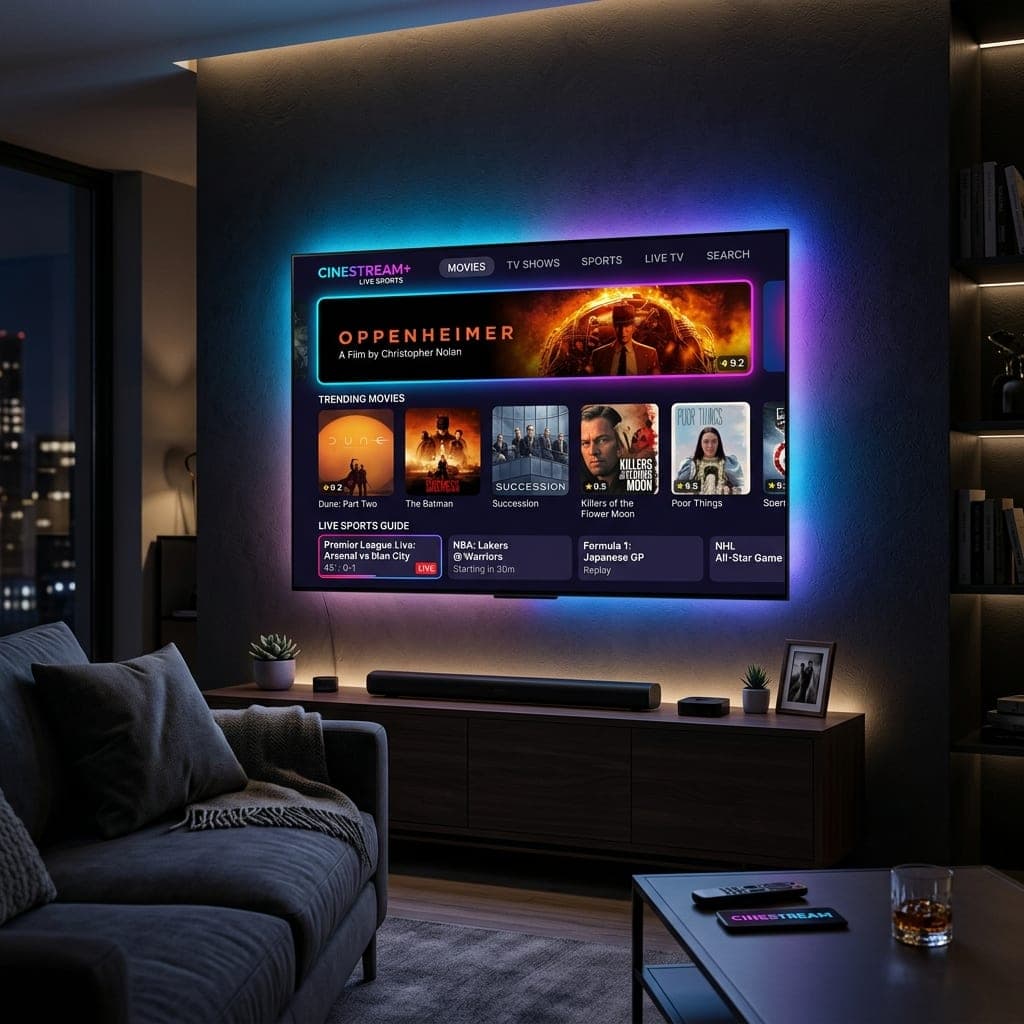
How do you get IPTV?
To get IPTV in the UK you need three things: a broadband connection, a device that can run an IPTV app, and a subscription from an IPTV provider. You do not need a satellite dish, a cable connection, an engineer visit or a contract. Once you have a subscription, you install a free or low-cost player app, type in the login your provider sends you, and live channels, a programme guide and a library of films load on your TV. The whole process takes about fifteen minutes. This guide walks through each step for complete beginners.
What IPTV is, in one paragraph
IPTV stands for Internet Protocol Television. Instead of receiving channels through an aerial or dish, your TV receives them over the internet, the same way Netflix or BBC iPlayer works. The difference is that an IPTV subscription gives you live channels, including sport, entertainment and news, organised in a guide like a traditional TV box. If you want the technical detail, read how IPTV works, or the short version on what IPTV is.
Step 1: Check your broadband
Any standard UK fibre broadband package is usually enough. What matters is the speed that reaches the device you watch on:
| What you want to watch | Speed needed at the TV |
|---|---|
| HD channels | 10 Mbps |
| 4K channels and films | 25 Mbps |
| Two TVs at once | Add the two together |
Run a speed test on the TV or streaming stick itself, not your phone, because Wi-Fi is often much weaker in the living room than near the router. If the speed is low, a cable from the router or a 5 GHz Wi-Fi connection usually fixes it.
Step 2: Choose a device
You probably already own something that works:
- Samsung or LG Smart TV from about 2018 onwards: install an app directly from the TV's app store. See our guides for Samsung and LG.
- Amazon Firestick 4K or 4K Max: the most popular IPTV device, inexpensive and fast. See best IPTV for Firestick.
- Android TV or Google TV, including Nvidia Shield and TVs from Sony, TCL and Philips.
- Apple TV, using apps from the App Store. See our Apple TV guide.
- Phone, tablet, Windows PC or Mac, handy for a second room or travelling.
If your TV is older or its apps feel slow, a Firestick plugged into a spare HDMI port is the simplest upgrade.
Step 3: Choose a provider
This is the step that matters most, because the provider decides whether streams stay smooth during busy live matches. Look for:
- A free trial with no card details, so you can test before paying.
- Clear prices and plans that do not renew automatically.
- Card or PayPal payment, which gives you buyer protection.
- The UK channels you watch, including BBC, ITV, Sky Sports and TNT Sports.
- Support that answers quickly, ideally on WhatsApp.
Avoid lifetime deals and prices that look too good to be true, as these services usually buffer at peak times or disappear. Our guide to the best IPTV services in the UK lists seven checks to run.
Step 4: Take a free trial
Request a trial before buying. With British IPTV you fill in a short form on the free trial page, with no card needed, and receive your login by email and WhatsApp in about 15 minutes. The trial lasts 6 hours, which is enough to watch a live match and browse the channels. Our free trial guide explains what to test.
Step 5: Install a player app
Your provider supplies the channels; a player app displays them. Popular choices:
| Device | Recommended app |
|---|---|
| Firestick, Android TV, Nvidia Shield | TiviMate or IPTV Smarters Pro |
| Samsung or LG Smart TV | IBO Player |
| Apple TV, iPhone, iPad | IPTV Smarters or iPlayTV |
| Windows or Mac | IPTV Smarters or VLC |
Our IPTV player comparison explains the differences, and the IBO Player setup guide covers Smart TVs step by step.
Step 6: Enter your login
Your provider sends either Xtream Codes details (a server address, username and password) or an M3U playlist link. In the player, choose to add a playlist, select Xtream Codes if offered, and type the details exactly as sent. Within a minute or two you will see your channel list, a 7-day programme guide and the films and series library. Our setup guide has screenshots for every device.
Step 7: Make it easy to use
- Add your most-watched channels to favourites.
- Hide channel groups you never use so the list is shorter.
- Use the guide's search to find a match or programme.
- Set a parental PIN if children use the TV.
What it costs
A reliable UK IPTV subscription usually costs between about £4 and £15 a month, depending on how long you buy for. British IPTV plans run for one, three, six or twelve months, cover one to three devices at once, and never renew automatically. See the pricing page, and our breakdown of how much IPTV costs for app and hardware costs.
Common beginner questions
Do I need a VPN?
Usually not. A VPN only helps if your broadband provider slows down streaming. Our VPN guide explains how to test this.
Can I use IPTV on more than one TV?
Yes. You can install the app on any number of devices; your plan sets how many can watch at the same time.
What if it buffers?
Most buffering is caused by Wi-Fi. Our guide on how to stop IPTV buffering walks through the fixes.
Get started today
The quickest way to get IPTV is to try it. Claim a free 6-hour trial, install an app on the TV you already own, and you can be watching live channels in about fifteen minutes.
Sarah is a digital media specialist with a decade of experience covering streaming services, consumer technology, and the UK broadcast landscape. She has helped thousands of UK households make the switch from traditional cable to IPTV.
Related Articles
Ready to experience the best IPTV UK?
Stop buffering and start watching. Claim your free 6-hour trial today.